
WEIK
FreemiumLocal Mac time tracking for freelancers – one-time purchase, no subscription
AI Summary
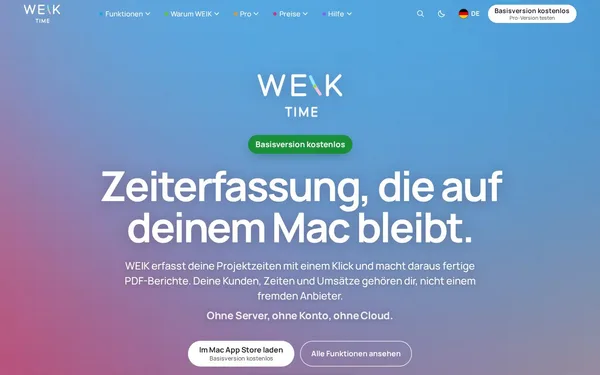
WEIK is a native Mac app for time tracking that works entirely locally — no server, no cloud, no account required. It enables project time logging via click, budget management with hourly rates, and export as PDF or CSV. The app is primarily aimed at freelancers who prioritize privacy and data control.
✓ Pros
- +Fully local – no cloud, no account, no server, maximum privacy
- +One-time purchase price (€24.99) instead of a monthly subscription
- +Native Mac app with a straightforward interface and no setup overhead
✗ Cons
- −macOS only – no Windows, Linux, or mobile platforms
- −No team or collaboration features for shared project time tracking
Use Cases
- →Project time tracking via click or hotkey for freelancers and self-employed professionals
- →Creating and sending PDF timesheet reports to clients
- →Monitoring budgets and hourly rates per project with threshold alerts
- →CSV export of logged hours for accounting or invoicing software
Who is it for?
WEIK is ideal for Mac-using freelancers and self-employed professionals who want to track their project hours locally in a privacy-compliant way and bill clients without being tied to a subscription.
Tags
What is WEIK?
WEIK is a native Mac app for time tracking that works without any cloud connection, server, or user account. All data stays local on your machine. Freelancers and self-employed professionals can log project hours with a single click, manage hourly rates and budgets, and export a timesheet as a PDF when needed. The pricing model is a one-time purchase: €24.99, no subscription.
Core Features
- Time tracking via click or hotkey for individual projects, with no detours through a web interface or dashboard
- Budget management with hourly rates per project, including alerts when budget limits are reached
- PDF export for time reports that can be shared directly with clients
- CSV export of logged hours for further processing in accounting or invoicing software
- Fully local data storage: no registration, no server, no dependency on third-party providers
Who is WEIK for?
WEIK is aimed at Mac users who work independently and want to track their time without relying on an external service. Anyone who regularly sends timesheets to clients and prefers not to upload data to a cloud will benefit from the local approach. WEIK is not suited for teams. There are no shared projects, no permission management, and no synchronization across multiple machines. Users on Windows or Linux are also not supported.
Context & Alternatives
Local time tracking without a subscription occupies a narrow niche. Most well-known tools in this space, such as Toggl Track or Harvest, rely on cloud accounts and monthly fees. WEIK deliberately avoids this model. The one-time price makes the cost-to-value ratio predictable for individuals with a manageable workload. However, anyone who works across multiple devices or needs to consolidate hours within a team will run into the lack of synchronization features. For macOS freelancers who prioritize data control over platform flexibility, WEIK is the more straightforward choice compared to subscription-based alternatives.