
FlexTable
FreeEmbed Google Sheets directly as WordPress tables
AI Summary
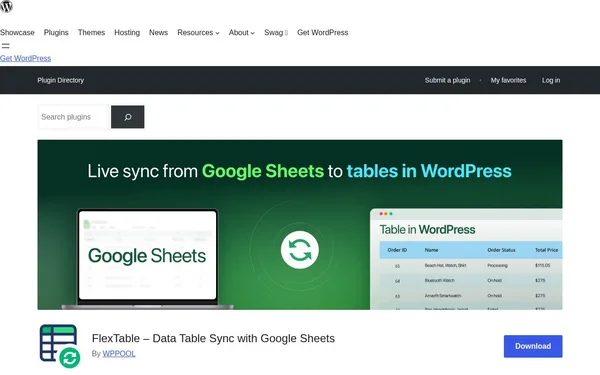
FlexTable is a WordPress plugin that automatically synchronizes Google Sheets with WordPress tables. Changes in the spreadsheet are reflected on the website in real time. It is designed for WordPress users who want to keep data up to date without requiring dashboard access. Before the rebrand, the plugin was called Sheets to WP Table Live Sync.
✓ Pros
- +Fully automatic synchronization between Google Sheets and WordPress with no manual upload required
- +Supports Gutenberg, Elementor, and Divi – easily integrated into any workflow
- +Free version includes unlimited tables and rows, plus MCP server support for AI tools
✗ Cons
- −Advanced features such as image support, CSS customization, and export are only available in the paid Pro version
- −Dependency on Google Sheets as the data source – no offline or alternative spreadsheet support
Use Cases
- →Automatically keep product tables from Google Sheets up to date on WordPress pages
- →Embed price lists or data catalogs via shortcode or Gutenberg block
- →Display large datasets clearly with search, sorting, and pagination
- →Let AI assistants like Claude or ChatGPT create tables via an MCP server
Who is it for?
Ideal for WordPress editors, content teams, and developers who manage table data centrally in Google Sheets and want it displayed automatically on their website.
Tags
What is FlexTable?
FlexTable is a WordPress plugin that taps into Google Sheets as a data source for WordPress tables. When a cell is changed in the spreadsheet, the update appears on the website in real time. The detour of uploading data through the WordPress dashboard is eliminated. The data lives in the sheet; the plugin handles the display.
Core Features
- Automatic synchronization: Changes in Google Sheets appear directly on the website without any manual intervention.
- Flexible embedding: Tables can be inserted via shortcode or Gutenberg block. Elementor and Divi are also supported.
- Search, sorting, and pagination: Even large datasets remain easy to navigate on the frontend.
- MCP server integration: AI assistants like Claude or ChatGPT can create tables via an MCP server. This feature is included in the free version.
- Unlimited tables and rows in the free version: Users who only need the core sync functionality pay nothing.
Who is FlexTable for?
The plugin is aimed at WordPress teams who want to manage table data centrally without having to access the CMS. Editors maintaining price lists or product catalogs continue working in Google Sheets. Developers can implement the integration quickly using a shortcode or block.
Image support in the table output, CSS customization, and export features are reserved for the Pro version. Users who need a table with product images or a custom appearance will hit the limits of the free version quickly. Additionally, the plugin requires Google Sheets as the sole data source. Those using Excel Online or a custom spreadsheet solution will need to look elsewhere.
Classification & Alternatives
FlexTable fills a specific gap: connecting Google Sheets and WordPress directly, without CSV exports or manual data maintenance. In the table plugin market, alternatives like TablePress exist, which manages locally maintained tables within the WordPress backend but does not offer a live connection to external data sources. For teams already working in Google Workspace and using WordPress as a presentation layer, FlexTable's live sync logic is the defining difference from traditional table plugins.