
Concat
Open SourceFree open-source video editor – local, no watermark
AI Summary
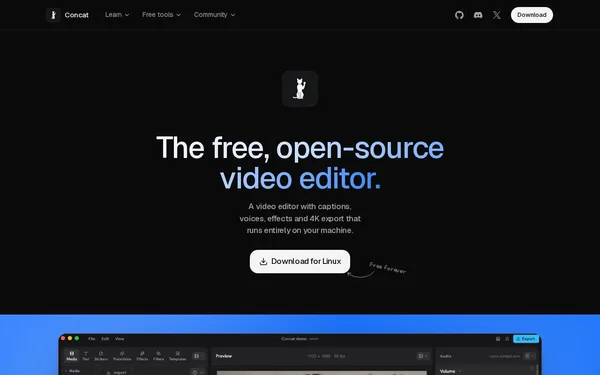
Concat is a fully featured, locally executed open-source video editor with a multi-track timeline, automatic subtitles, text-to-speech, background removal, and 4K export. The tool runs without an account, without uploads, and without a watermark on all major operating systems. It is aimed at both regular users and developers who want to access the engine via API, MCP server, or CLI.
✓ Pros
- +Completely free, no watermark, no account required, and no paywall
- +Runs entirely locally – no uploads, maximum privacy control
- +Developer-friendly with MCP server, JSON-RPC, gRPC, and CLI
✗ Cons
- −Builds are not yet code-signed, requiring manual approval on Windows and macOS
- −iOS version is still in beta and requires sideloading
Use Cases
- →Add automatically generated, offline subtitles to videos
- →Remove backgrounds from videos without a green screen
- →Automate video cutting and exporting via CLI or API script
- →Edit 4K videos with effects, filters, and keyframe animations
Who is it for?
For video creators, content creators, and developers looking for a powerful, privacy-friendly video editor with no subscription or cloud dependency.
Tags
What is Concat?
Concat is an open-source video editor that runs entirely locally on your own machine. There is no account, no mandatory upload, and no watermark. The tool is available for Windows, macOS, Linux, Android, and iOS (beta) and is free to use, with no features locked behind a paywall.
The name says it all: Concat is designed for anyone who wants to edit videos locally without sending data to the cloud. For developers, the offering goes further. The engine can be accessed via an MCP server, JSON-RPC, gRPC, and a CLI, enabling automated video pipelines.
Core Features
- Multi-track timeline with effects, filters, and keyframe animations, plus 4K export
- Automatic subtitles generated offline, without any external API integration
- Text-to-speech directly within the editor
- Background removal from videos without a green screen
- Developer API: MCP server, JSON-RPC, gRPC, and CLI for script-driven workflows
- Cross-platform: native builds for all major desktop and mobile operating systems
Who is Concat for?
Content creators who don't want to pay a subscription or store their raw footage on third-party servers get a fully featured editor with Concat. Anyone who regularly needs subtitles benefits from the fact that recognition runs locally. For developers looking to automate video processing, the API access is the key advantage: cutting and exporting can be controlled via script without ever touching a GUI.
Two limitations are worth knowing. The builds are not yet code-signed. On Windows and macOS, this means you must manually allow execution in your system settings. The iOS version is in beta and requires sideloading.
Context & Alternatives
Concat sits within the segment of privacy-focused desktop video editors. Comparable open-source editors such as Kdenlive or OpenShot also offer local editing, but lack integrated offline speech recognition for subtitles and a native developer API. Proprietary cloud editors often provide a smoother onboarding experience, but send video material to external servers.
For those who want to embed video processing into existing developer workflows while relying on local execution, Concat currently has few direct competitors with a comparable feature set.